
Very Good Calendar Sync
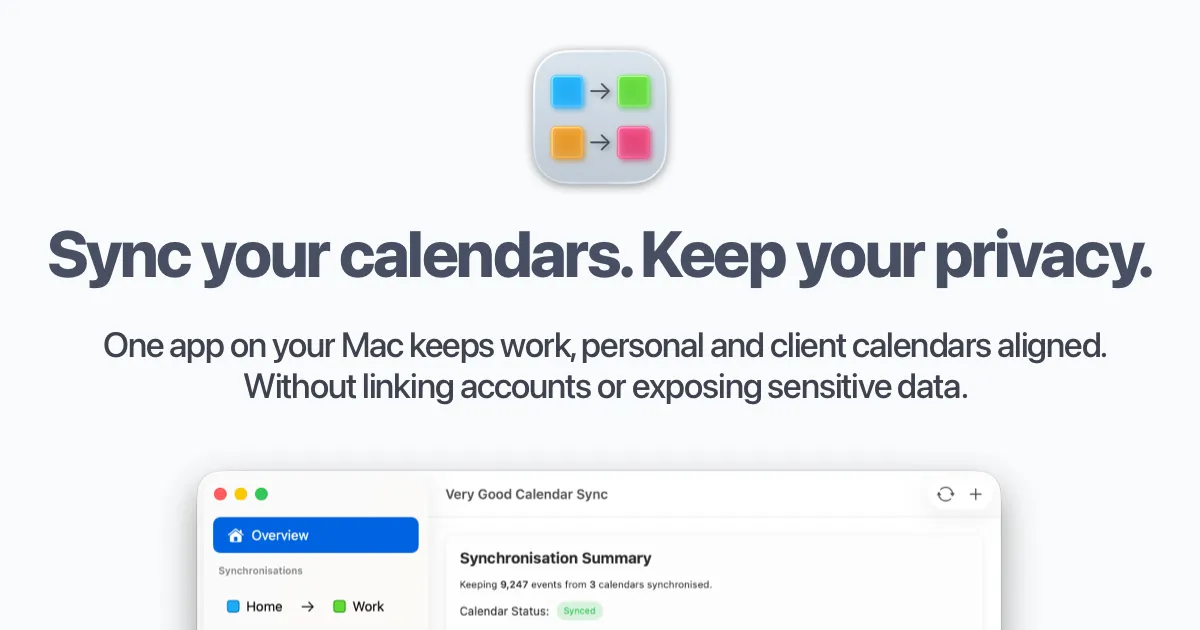
Very Good Calendar Sync keeps work, personal and client calendars aligned on Mac without linking accounts or exposing sensitive data.
Overview
Very Good Calendar Sync is a macOS-native application that synchronizes calendars across Google Calendar, Microsoft Outlook, Apple iCloud, and any CalDAV account without requiring users to link accounts or expose sensitive data. The app runs entirely on the user's Mac, ensuring that calendar data never leaves the device. Designed for consultants, freelancers, employees with multiple calendars, and cross-functional teams, it solves the problem of double-bookings and manual cross-checking by providing automated, rule-based synchronization. The app offers a free tier for one sync between two calendars, with paid plans starting at £1.99 per month.
Key Features
-
Clone or Redact Events: Users can choose to clone events with full details or redact them to show only busy status. Title, description, and location remain private when redacted. This is configured per sync rule, giving granular control over what information is shared.
-
No Accounts to Link: The app leverages macOS Internet Accounts to access calendars. Google, Microsoft, and Apple credentials stay secure under the system's account management. No third-party logins or external servers are involved.
-
Filter by Day and Time: Each synchronization can be configured with specific day-of-week filters (weekdays, weekends, or custom days) and time range limits. This allows users to sync only during work hours or specific days, preventing after-hours events from appearing on shared calendars.
-
Built into macOS Calendar.app: The app works directly with the native macOS Calendar app. No additional apps or connections are required. Calendars already configured in Calendar.app are automatically available for synchronization.
-
No Middleman Architecture: The app runs entirely on the local Mac. There are no servers, no data collection, and no analytics. Synchronization happens directly between the user's calendars without any external transmission of calendar data.
-
Menu Bar Operation: The app runs quietly in the macOS menu bar. After initial setup, it synchronizes automatically whenever calendars change. Users can enable "Start at Login" to ensure it runs automatically after login.
-
Multiple Calendar Provider Support: Supports Google Calendar, Microsoft Outlook/Exchange, Apple iCloud, and any CalDAV account. Any calendar that appears in macOS Calendar.app is compatible.
How It Works
After downloading from the Mac App Store, users launch the app and grant permission to access their calendars via macOS Internet Accounts. The app detects all available calendars and presents a simple interface to create synchronization rules. Each rule pairs a source calendar with a destination calendar and allows configuration of event cloning or redaction, day-of-week filters, and time range limits. Once a rule is saved, the app runs in the menu bar and automatically synchronizes events whenever changes occur. Users can manage multiple sync rules for different calendar pairs, each with its own settings. The app requires macOS and an active internet connection for calendar access, but all processing remains local.
Use Cases
-
A solo consultant with multiple clients: A freelancer managing separate Google Calendars for each client can sync them to a single master calendar. Client-specific events can be redacted to show only busy time, preventing overlap while keeping details private.
-
An employee with work and personal calendars: A product manager using Microsoft Outlook for work and Apple iCloud for personal events can sync both to a unified view. Work hours can be filtered to sync only weekdays 9-5, while personal events remain visible only on the personal calendar.
-
A cross-functional agency team: An agency with internal team calendars and client-facing calendars can synchronize availability without exposing internal meeting details. Redacted events show busy status on client calendars, while full details remain on internal calendars.
-
A remote worker with multiple time zones: A distributed team member can sync calendars across different time zones, ensuring that meetings are scheduled during overlapping working hours without manual conversion.
Who It's For
Very Good Calendar Sync is designed for individual professionals and small to mid-size teams who use macOS and need to synchronize multiple calendars without compromising privacy. It is ideal for consultants, freelancers, product managers, and agency teams who juggle work, personal, and client calendars. The app competes with cloud-based sync services like OneCal and CalendarBridge but differentiates itself by operating entirely on-device, eliminating data exposure risks. It requires no technical expertise to set up and is suitable for users who value privacy and simplicity over cloud convenience. The free tier makes it accessible for casual users, while paid plans cater to power users with multiple sync needs.
Pros & Cons
The Good
- Runs entirely on-device with no external servers, ensuring calendar data never leaves the Mac.
- Supports Google Calendar, Microsoft Outlook, Apple iCloud, and any CalDAV account without linking accounts.
- Offers granular control with clone/redact options and day/time filters per sync rule.
- Integrates directly with macOS Calendar.app, requiring no additional apps or complex setup.
- Provides a free tier for one sync between two calendars, with affordable paid plans starting at £1.99 per month.
The Bad
- Only available for macOS, with no Windows or iOS support currently.
- Requires the Mac to be awake and the app active in the menu bar for synchronization to occur.
- Limited to calendars that appear in macOS Calendar.app, which may exclude some niche providers.