agyn
agyn is a control plane for deploying and managing AI agents securely in enterprise environments.
Overview
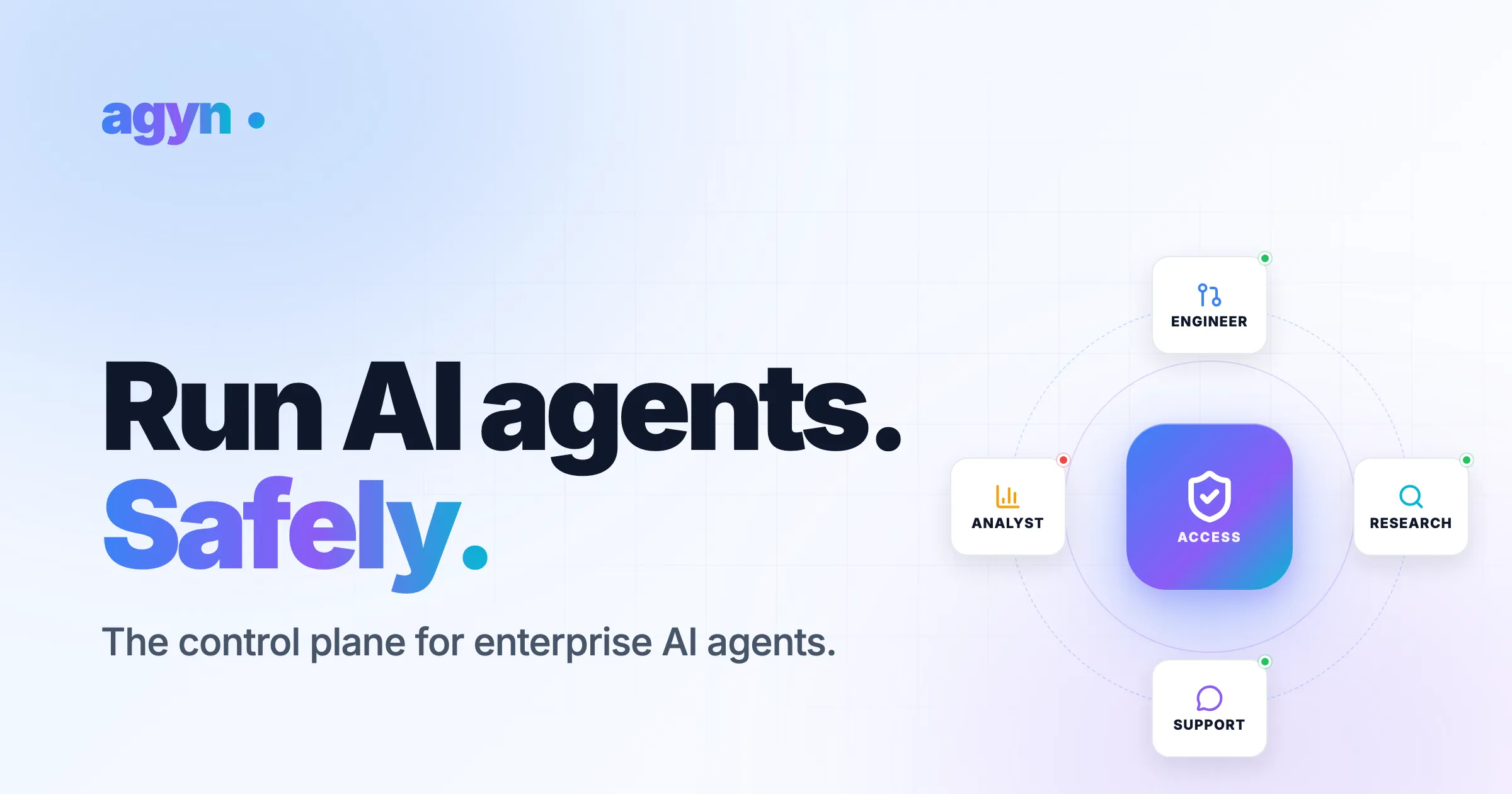
agyn positions itself as a control plane for enterprise AI agents, addressing a critical gap in the market: the safe deployment of AI agents within corporate networks. As organizations rush to adopt AI agents for tasks like code review, data analysis, and customer support, they face significant challenges around security, access control, cost management, and governance. agyn provides a Kubernetes-native, open-source platform that allows companies to run AI agents in their own infrastructure, with granular policies, budget controls, and role-based access. The platform is designed to integrate with existing tools like Claude and Codex, and it emphasizes safety through features like least-privilege execution, prompt-injection defense, and a policy gate that reviews every action before it runs. By offering a self-hosted solution that can be deployed into a VPC in minutes, agyn targets engineering teams that need to give AI agents access to internal services without compromising security.
Key Features
Multi-Environment Deployment: agyn allows agents to be deployed into any environment, including private networks behind VPNs, VPCs, and firewalls. This means agents can reach internal services like databases, APIs, and corporate tools without exposing them to the public internet. The platform supports instant rollback, ensuring that any misconfiguration can be quickly reverted.
Policy Gate with Least Privilege: Every agent action is inspected by a policy agent before execution. Static policies define what each agent can do, and actions outside that scope are automatically blocked. This includes defenses against prompt injection, where malicious instructions embedded in web pages or user inputs are stripped or escalated for human review. Secrets are kept hidden from the model, preventing data leaks.
Budgets and Usage Alerts: agyn provides per-agent tracking of spend, with the ability to set budget limits and receive alerts when thresholds are approached or exceeded. The platform shows real-time cost attribution across agents, teams, and workflows, helping organizations keep AI costs under control. A dashboard displays month-to-date spend, budget remaining, and average cost per request.
Role-Based Access Control: Teams can share agents safely with granular permissions. Administrators can invite members, assign roles (Admin, Member), and view audit logs of all activity. Access control ensures that only the right employees can use specific agents, and usage is governed as adoption scales across the organization.
GitOps Configuration: Agents, sandboxes, tools, MCPs, skills, and prompts are all defined in code using a Terraform-like syntax. This allows teams to version control their agent configurations, review changes through pull requests, and ensure consistency across environments. The platform includes a built-in editor and terminal for applying changes.
Kubernetes-Native Architecture: agyn is built on Kubernetes, making it easy to deploy in existing cloud or on-premises clusters. It leverages Kubernetes for orchestration, scaling, and resilience, and it integrates with standard CI/CD pipelines.
Compatibility with Claude and Codex: The platform supports multiple AI models, including Claude (Haiku, Opus) and Codex (GPT-5 based). Agents can be configured to use different models for different tasks, and the platform handles the underlying API calls and cost tracking.
How It Works
Getting started with agyn involves a few straightforward steps. First, the platform is deployed into the organization's Kubernetes cluster using a provided bootstrap script. The script clones a repository and runs an apply command, which sets up the necessary infrastructure. Once deployed, administrators define sandboxes, which are isolated execution environments with specific network access and policies. For example, a sandbox might be configured to connect to a corporate VPN.
Next, agents are declared in code using the agyn resource syntax. Each agent is assigned a name, a model (e.g., claude-opus-4.6), instructions (loaded from a markdown file), a sandbox, and a set of skills and MCPs (Model Context Protocols) that define the tools it can use. These configurations are stored in a Git repository, enabling version control and collaboration.
After applying the configuration via the terminal, the agents become available in the agyn dashboard. Team members can be invited and assigned roles. The policy gate automatically reviews every action the agent attempts, blocking or escalating anything outside its defined scope. Usage and cost data are displayed in real-time, with budget alerts sent when limits are approached. Administrators can monitor live outcomes, see which actions were allowed or blocked, and adjust policies as needed.
Use Cases
Code Review Automation: A platform team deploys a Code Reviewer agent that can read repositories, comment on pull requests, and send emails. The agent is scoped to only access GitHub and internal email, and its actions are reviewed by the policy gate. This reduces the burden on human reviewers while maintaining security.
Data Analysis on Internal Databases: A data science team creates a Data Analyst agent that can query production databases and generate reports. The agent is deployed in a sandbox with network access to the database, but its write permissions are restricted to prevent accidental data corruption. Budget limits ensure that costs don't spiral out of control.
Customer Support with Escalation: A customer success team uses a Support Agent that can read tickets, send emails, and access a knowledge base. When the agent encounters an ambiguous request, it escalates to a human. The policy gate blocks any attempt to access sensitive customer data outside its scope.
Research and Competitive Intelligence: A marketing team deploys a Researcher agent that can browse the web, summarize articles, and send reports. The agent is configured with a browser MCP and is allowed to access external networks, but prompt-injection defense strips any embedded instructions from web pages.
Multi-Team Governance: An enterprise with multiple teams (Engineering, Data Science, Customer Success) uses agyn to manage agent access and budgets centrally. Each team has its own agents and budget limits, and the platform provides a unified view of spend and usage across the organization.
Pricing & Value
agyn is open-source and free to self-host, making it accessible for teams that want to run it on their own infrastructure. The company also offers a cloud version (agyn Cloud) with additional enterprise features, though specific pricing tiers are not detailed on the website. For organizations that need managed hosting, premium support, or advanced features like SSO and dedicated SLAs, the cloud option likely provides a paid tier. The value proposition is strong for enterprises that already have Kubernetes expertise and want to avoid per-seat or per-agent licensing fees. The open-source nature allows for customization and auditability, which is critical for security-conscious organizations.
Final Verdict
agyn fills a genuine need in the AI agent ecosystem: secure, governed deployment within enterprise networks. Its emphasis on least-privilege policies, budget controls, and GitOps configuration sets it apart from simpler agent frameworks that lack these safeguards. The platform is particularly well-suited for engineering teams that are comfortable with Kubernetes and Terraform-like workflows. However, the learning curve may be steep for non-technical users, and the reliance on self-hosting means ongoing maintenance overhead. The lack of detailed pricing for the cloud version could be a concern for teams evaluating total cost of ownership. Overall, agyn is a robust solution for organizations that prioritize security and control over ease of use. For teams ready to invest in infrastructure, it offers a compelling way to scale AI agent adoption safely.
For more details, check out their documentation or read their blog. You can also book a demo to see it in action.
Pros & Cons
The Good
- Open-source and self-hosted, giving enterprises full control over data and infrastructure.
- Policy gate with least-privilege enforcement blocks unauthorized actions before they execute.
- GitOps-based configuration allows version control and consistent deployments across teams.
- Real-time budget tracking and alerts prevent unexpected AI costs from spiraling.
- Supports multiple AI models including Claude and Codex, with easy model switching per agent.
The Bad
- Requires Kubernetes expertise for self-hosting, which may be a barrier for smaller teams.
- No detailed pricing for the cloud version is publicly available, making cost comparison difficult.
- The platform is relatively new, so the ecosystem of community-contributed skills and MCPs is still small.