innflow
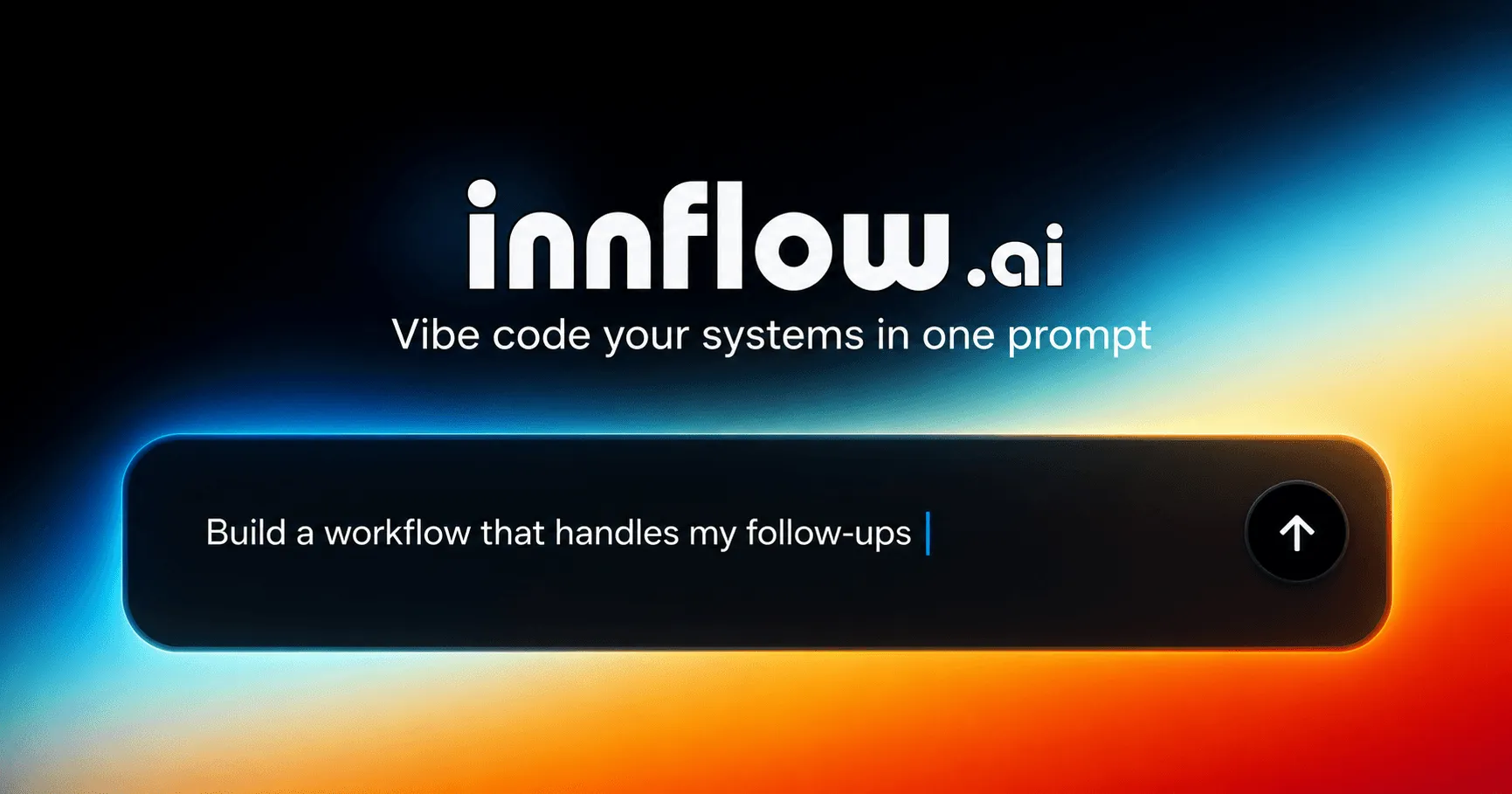
Build, manage, and deploy no-code AI agents that automate workflows across Slack, Gmail, Asana, HubSpot, and 1,000+ integrations with innflow.ai.
Overview
innflow.ai is a no-code AI workflow automation platform that enables teams to build, manage, and deploy AI agents without writing a single line of code. The platform addresses the growing need for businesses to automate repetitive tasks across multiple tools and services, turning everyday workflows into reliable AI-powered systems. Designed for non-technical users and developers alike, innflow.ai integrates with over 1,000 popular applications including Slack, Gmail, Asana, HubSpot, and ElevenLabs, making it a versatile solution for teams looking to streamline operations and boost productivity.
Key Features
- No-Code AI Agent Builder: innflow.ai provides a visual drag-and-drop interface for creating AI agents. Users can define triggers, actions, and logic without any programming knowledge. The builder supports conditional branching, data transformations, and custom prompts, allowing for sophisticated automation scenarios.
- 1,000+ Integrations: The platform connects with a vast ecosystem of tools and services. Pre-built connectors for Slack, Gmail, Asana, HubSpot, ElevenLabs, and many others enable seamless data flow between applications. Each integration supports bidirectional data sync and real-time event triggers.
- AI-Powered Decision Making: Agents leverage large language models (LLMs) to understand context, classify data, and make intelligent decisions. Users can configure custom prompts and knowledge bases to tailor agent behavior to specific business needs. The AI can parse emails, summarize documents, extract structured data, and generate responses.
- Workflow Automation Engine: The core engine executes multi-step workflows with error handling, retries, and logging. Workflows can be scheduled, triggered by webhooks, or activated by events from integrated apps. The engine supports parallel execution, sub-workflows, and conditional logic.
- Deployment and Monitoring: Once built, AI agents can be deployed to production with one click. The platform provides a dashboard for monitoring agent performance, viewing execution logs, and tracking success rates. Alerts can be configured for failures or anomalies.
- Team Collaboration: Workspaces allow multiple users to collaborate on agent design and management. Role-based access control ensures that only authorized team members can modify production agents. Version history enables rollback to previous configurations.
- Security and Compliance: innflow.ai encrypts data in transit and at rest. The platform supports SOC 2 compliance and offers data residency options. API keys and credentials are stored securely using vault technology.
How It Works
Users start by signing up for an innflow.ai account and creating a workspace. The onboarding wizard guides them through connecting their first integrations, such as Slack or Gmail. From the dashboard, users click "Create Agent" to open the visual builder. They define a trigger, for example, a new email in Gmail with a specific subject line. Then they add actions: the AI extracts key information, creates a task in Asana, and posts a summary to a Slack channel. The agent can be tested in a sandbox environment before deployment. Once live, the agent runs automatically, and users monitor its activity from the logs panel. The entire process takes minutes, and no coding is required.
Use Cases
- Customer Support Automation: A support team at a SaaS company uses innflow.ai to automatically triage incoming emails. The AI agent reads each message, categorizes it by urgency and topic, creates a ticket in HubSpot, and assigns it to the appropriate team member via Slack. This reduces response time by 60%.
- Sales Lead Enrichment: A sales team integrates innflow.ai with Gmail and HubSpot. When a prospect replies to a campaign email, the agent extracts contact details, enriches the record with company information from public sources, and updates the CRM. It then notifies the sales rep in Slack with a summary.
- Content Publishing Workflow: A marketing team uses innflow.ai to automate blog post publishing. When a draft is approved in Asana, the agent converts it to HTML, uploads it to the CMS, schedules social media posts via Buffer, and sends a notification to the team in Slack.
- Invoice Processing: A finance department connects innflow.ai to Gmail and accounting software. When an invoice email arrives, the agent extracts the amount, due date, and vendor, creates a payment reminder in Asana, and logs the expense in the accounting system.
Who It's For
innflow.ai is built for teams of all sizes, from startups to enterprises, who need to automate workflows without engineering resources. It is ideal for operations managers, marketing teams, sales departments, and customer support groups. Compared to Zapier, innflow.ai offers native AI capabilities for intelligent decision-making. Unlike custom-coded solutions, it requires no development time. The platform competes with tools like Make and n8n but differentiates itself through its focus on AI agents and pre-built integrations for business applications.
Pros
- No-code visual builder makes AI agent creation accessible to non-technical users.
- Over 1,000 integrations cover most popular business tools.
- AI-powered decision-making enables intelligent automation beyond simple triggers.
- Real-time monitoring and logging provide transparency into agent performance.
- Team collaboration features support enterprise-scale deployment.
Cons
- Pricing details are not publicly available on the website, requiring a demo or signup.
- Advanced AI customization may require understanding of prompt engineering.
- Dependency on third-party integrations means outages in connected apps can affect workflows.
Pros & Cons
The Good
- No-code visual builder makes AI agent creation accessible to non-technical users.
- Over 1,000 integrations cover most popular business tools.
- AI-powered decision-making enables intelligent automation beyond simple triggers.
- Real-time monitoring and logging provide transparency into agent performance.
- Team collaboration features support enterprise-scale deployment.
The Bad
- Pricing details are not publicly available on the website, requiring a demo or signup.
- Advanced AI customization may require understanding of prompt engineering.
- Dependency on third-party integrations means outages in connected apps can affect workflows.