ExcelForAll
ExcelForAll teaches Excel through 84 hands-on browser spreadsheet exercises, combining method-based grading, targeted feedback and a public certificate.
Overview
ExcelForAll is a browser-based learning platform for Microsoft Excel, Google Sheets, and Apple Numbers. It gives learners a working spreadsheet and 84 short exercises that cover cell basics, formulas, IF logic, lookups, charts, pivot tables, and practical data tasks. The platform is built for active practice rather than passive video instruction, with 17 course parts and roughly seven hours of hands-on work. The first exercise asks learners to click a cell and type in it. Some exercises are available without an account.
Key Features
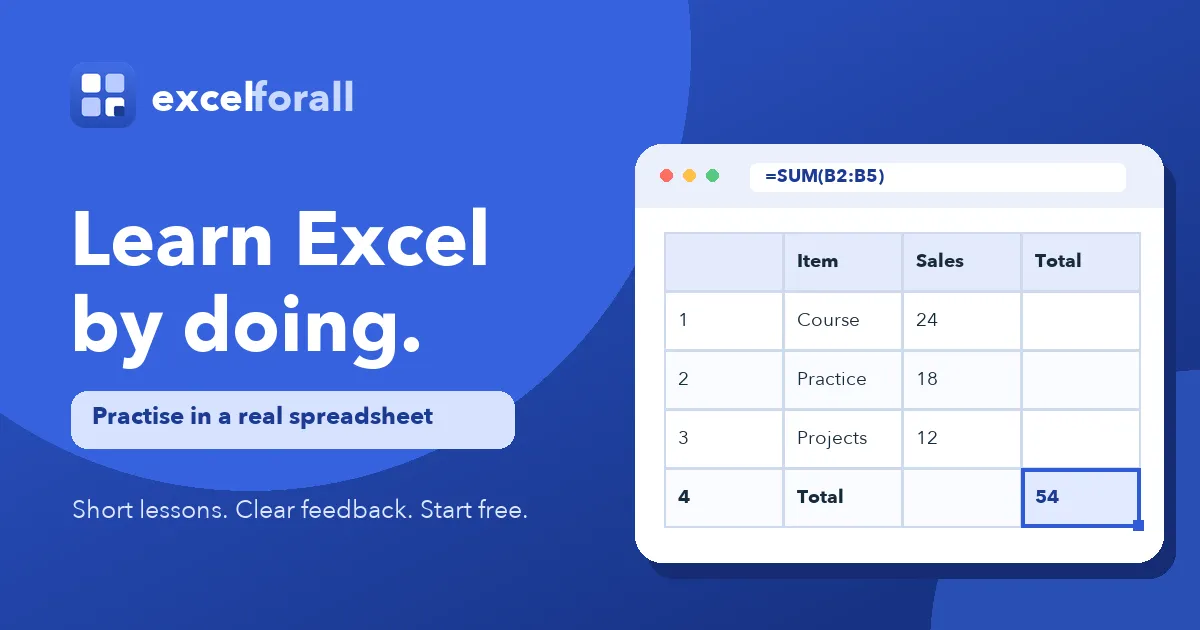
- Method-based answer checking. The platform reads the formula in a cell, so a correct typed total can still be marked wrong if the learner did not use SUM or referenced the wrong range. This focuses grading on the technique being taught.
- Pre-written mistake feedback and hints. Common errors have human-written explanations, and hints are released one at a time. A formula that points to the wrong range is identified as such, not simply marked incorrect.
- Browser spreadsheet engine. Lessons run in a spreadsheet that behaves like Excel, with cell selection, formula entry, Enter calculation, and immediate visual results. No download or Microsoft Excel installation is required.
- Structured course from basics to practical challenges. The 84 exercises are organized into 17 parts, from Excel Basics and Cells and Ranges to IF and Logic, Lookup Functions, Charts, and Practical Challenges. The sequence can be followed in order or opened by skill.
- Progress tracking and public certificate. A free account saves progress across devices and opens 46 of the 84 exercises, while 19 require no account or card. Completing all 84 exercises produces a certificate in the learner's name with a public verification link and no separate certificate fee.
- Cross-tool relevance. Most formulas, ranges, references, and functions taught work the same way in Google Sheets and Apple Numbers. The site notes that keyboard shortcuts and some menu names differ.
How It Works
Learners open an exercise page and read a short task. They type a formula directly into the browser spreadsheet, submit it, and receive immediate feedback. The checker evaluates the method in the cell, then provides targeted hints or explanations for likely errors. Progress is stored for account holders, and exercise pages can be opened individually. The first tasks start with selecting a cell, then move to formulas, ranges, logic, lookups, charts, and data challenges.
Who It's For
ExcelForAll suits absolute beginners who have never used a spreadsheet, job seekers refreshing Excel skills, and teams that need practical formula practice without video courses. It also fits learners who want short two to eight minute tasks around a workday. Later parts require a paid plan, so individuals and organizations should expect a mix of free and paid content. The certificate is not an accredited qualification or Microsoft credential.
Pros & Cons
The Good
- Method-based grading checks the formula in the cell, not only the final result.
- Each exercise includes pre-written explanations for common mistakes and progressive hints.
- The course starts with clicking a cell and typing, making it accessible to absolute beginners.
- Lessons run in a browser spreadsheet and work largely with Google Sheets and Apple Numbers.
- The completion certificate includes a public verification link and no separate certificate fee.
The Bad
- Later course parts require a paid plan after 46 free account exercises.
- The exercise experience is better on a physical keyboard than on touchscreens.
- The certificate is not an accredited qualification or a Microsoft credential.